
Setup takes a few minutes. You connect your Amazon, Shopify, Walmart, TikTok or Facebook/Meta Ads account and choose the data you want in Google Sheets. After that, data loads and syncs automatically in the background going forward.
.svg "Gorilla ROI")
4.8 Rating · 11k+ Downloads · Trusted by Sellers








Centralized Account Data
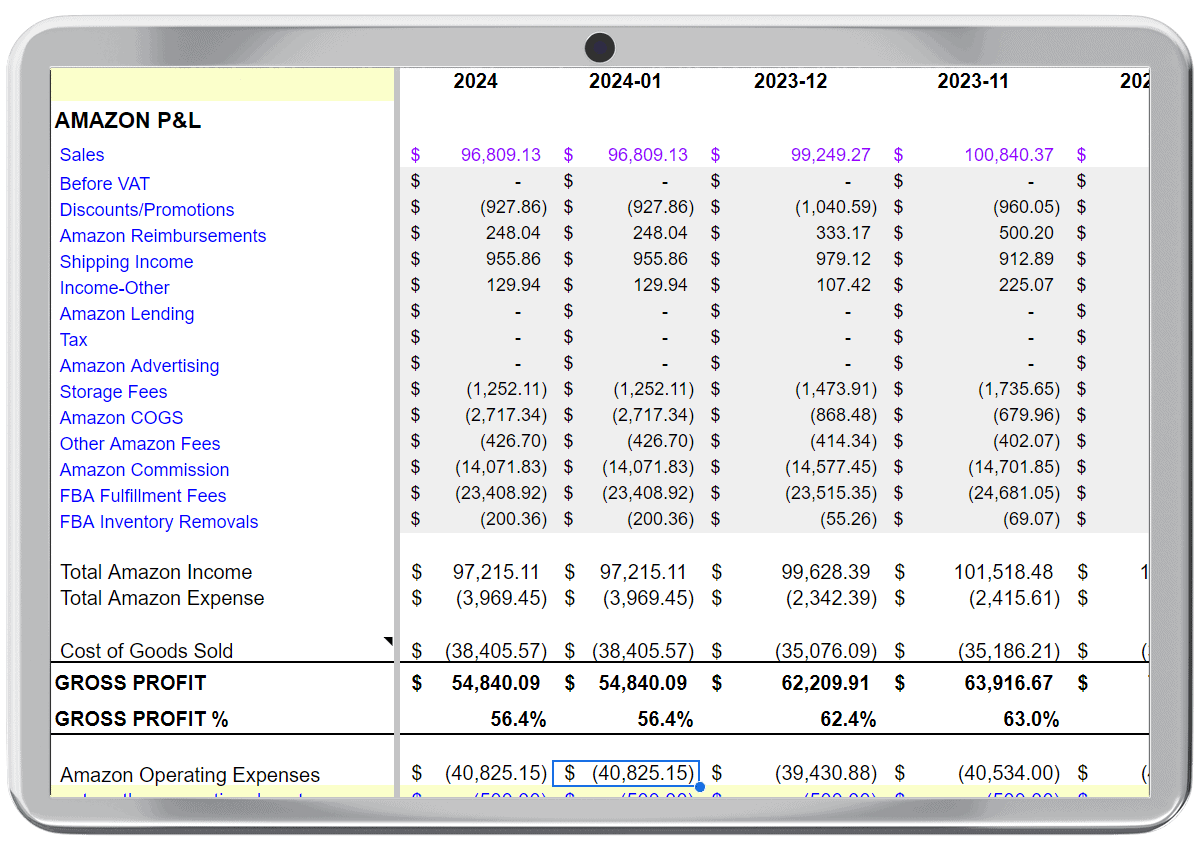
Gorilla ROI keeps order, inventory, and transaction data from multiple brands available in Google Sheets for ongoing review.

Multiple accounts in one place

Consistent data structure

No manual exports

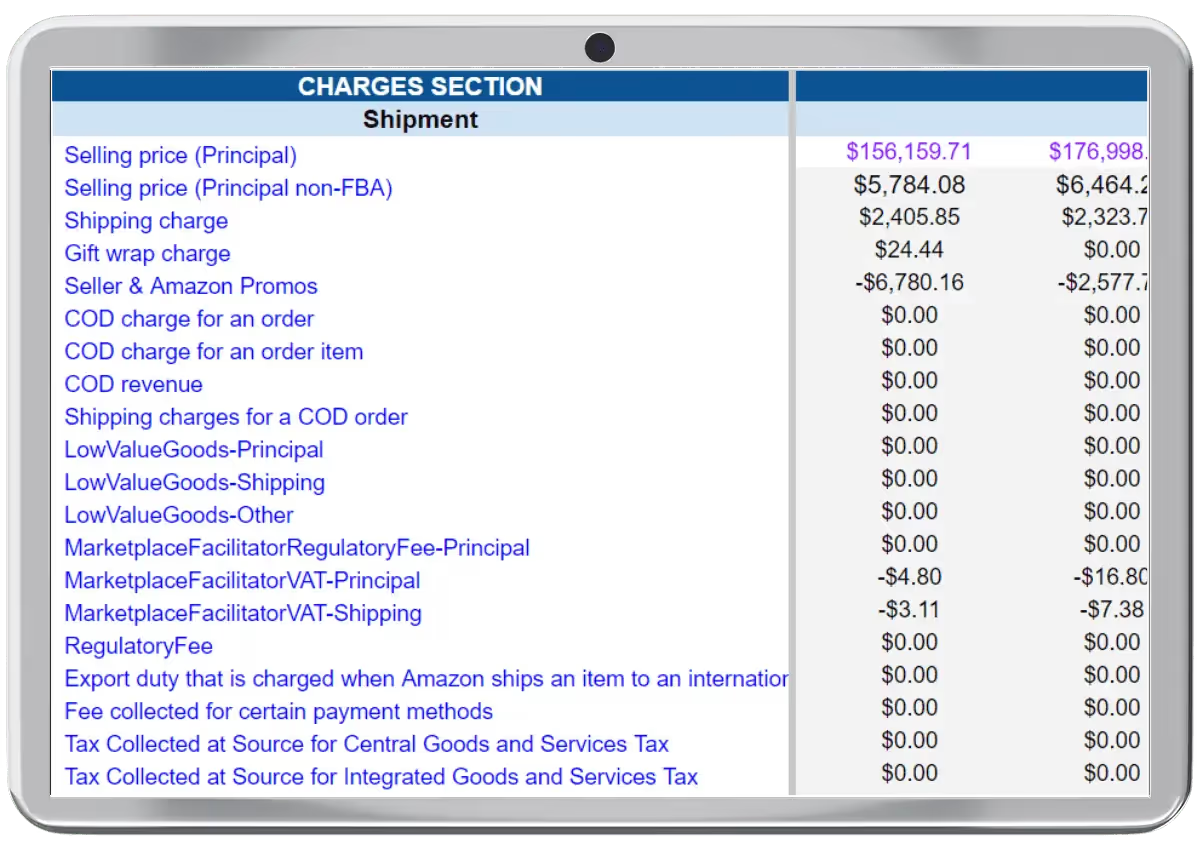
Detailed Brand-Level Records
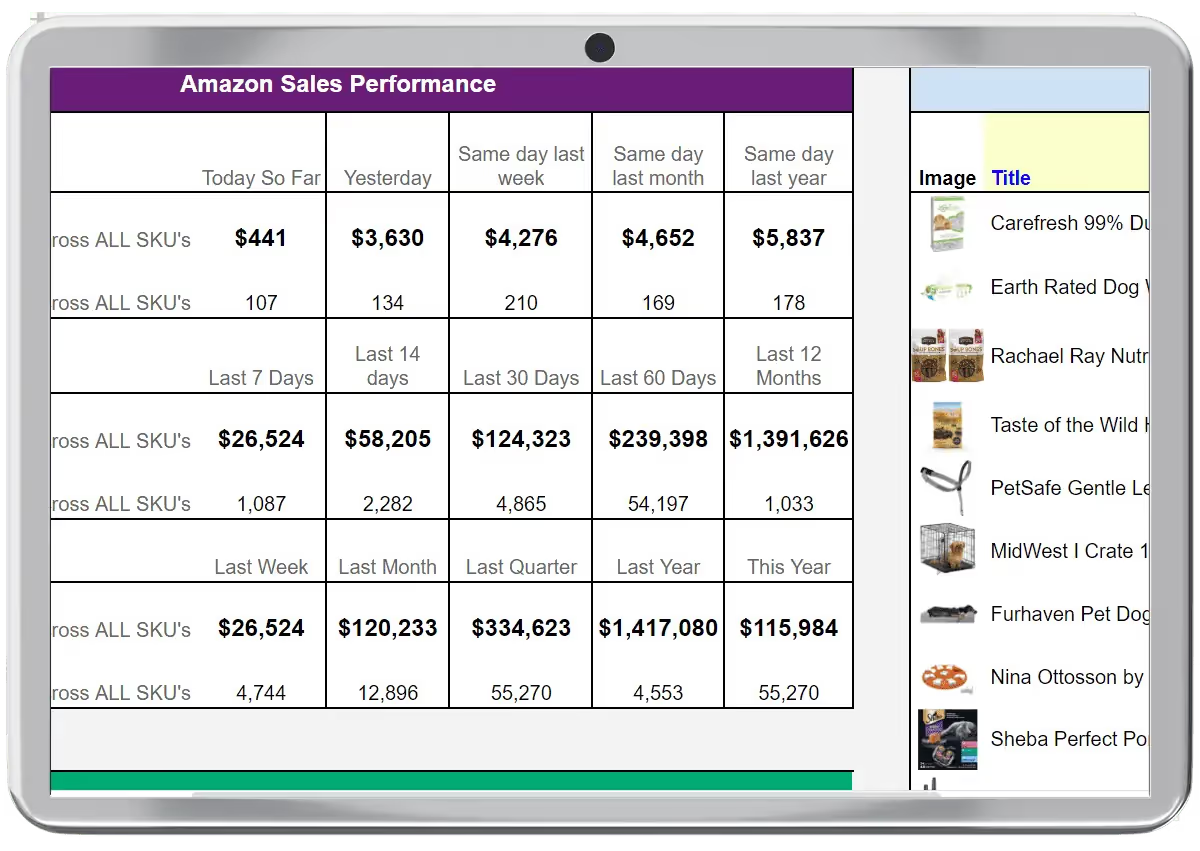
Access data at the brand, SKU, and order level in Google Sheets to support oversight across portfolios.

Brand and SKU-level detail

Comparable reporting across brands

Historical data preserved

Ready for internal review
Repeatable Diligence
Gorilla ROI keeps data updating on a predictable schedule so diligence reviews can be repeated and verified over time.

Scheduled data refreshes

Comparable reporting across brands
.svg "Confirmation check icon with edit and close options")
Less manual reconciliation
By Company Type
By Role
By Use Case
.svg)
Experience How Teams Avoid Manual Exports and Broken Reports
Used by teams that run on consistent data
Frequently
Asked Questions

How long does setup take?
How does it get data into Google Sheets?
Gorilla ROI connects directly to your ecommerce and advertising platforms and syncs structured data into Google Sheets automatically. Once connected, data stays available without re-downloading files.
What platforms can I connect?
Gorilla ROI supports Amazon, Shopify, Walmart, TikTok, and Facebook/Meta Ads. The focus is ecommerce operations rather than connecting dozens of unrelated platforms.
Will my data stay accurate and update automatically?
Yes. Once connected, data syncs automatically based on your settings so Sheets stays current without manual exports or re-imports.
Does the data match my platform?
Yes. Gorilla ROI pulls data directly from the source. What you see in your sheet matches what the platform API reports.
Do I need coding or technical skills?
No. Gorilla ROI works through a point-and-click interface inside Google Sheets. Advanced users can use formulas if they want, but coding is not required.
Try Gorilla ROI Free For 30 Days
Replace the Manual Spreadsheet Work and Save 40 Hours a Month